
The canvas your agents work on.
A native design tool for Mac. Claude Code and Codex design on the same canvas as you — real layers, every edit undoable, every file on your machine.
Works with
- Claude Code
- Codex
- Any MCP client
Your agent, on your canvas.
Ask in the omnibar, or from Claude Code and Codex in your terminal. The agent works on the real document — frames, auto layout, components — and you watch every edit land.
Prompt from the canvas
Select a frame, press ⌘K and say what you want.
Every edit is yours to undo
Agents write to the same history you do, one step per edit.
Any MCP client
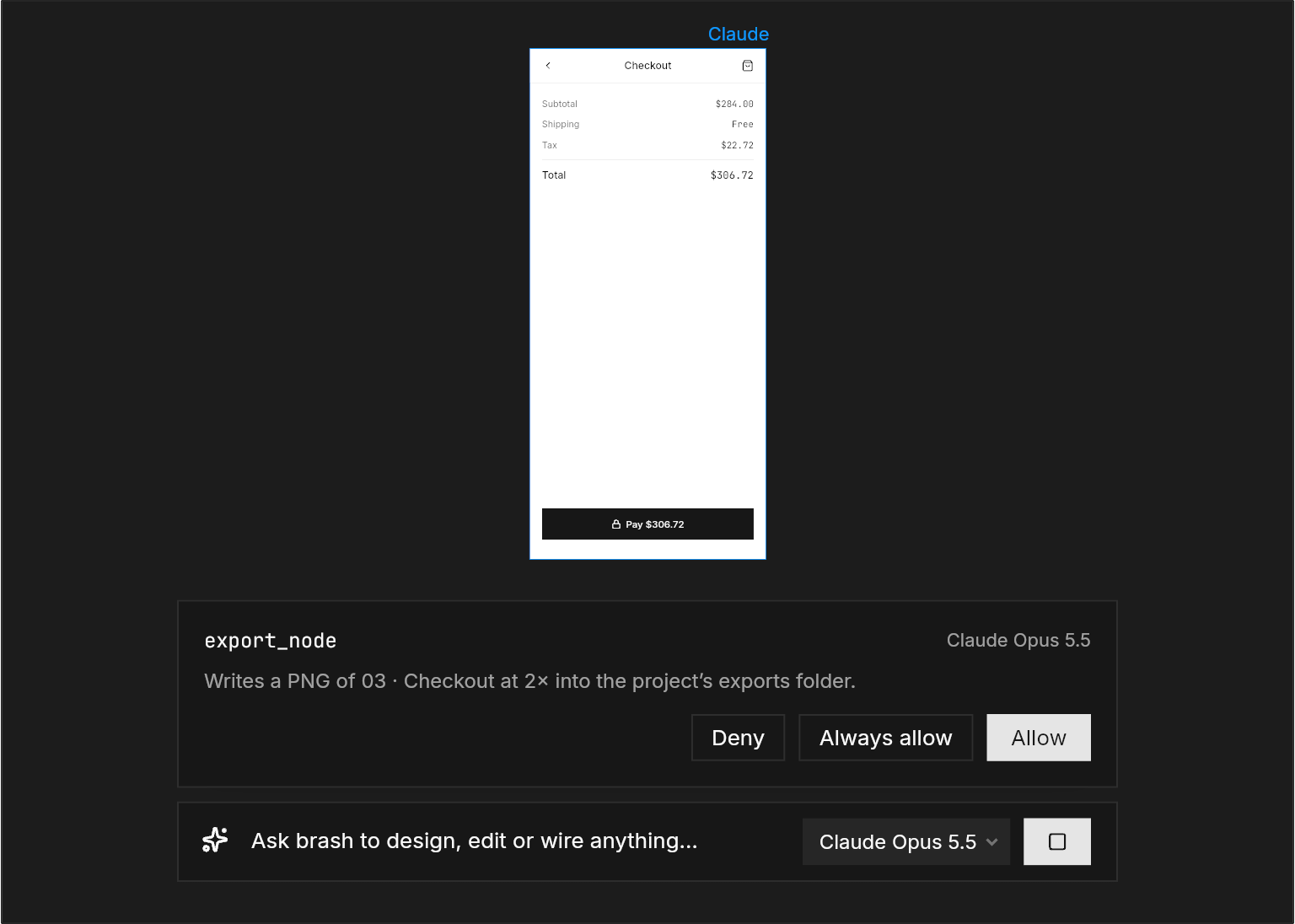
Claude Code and Codex connect on first launch. Anything that speaks MCP can drive Brash.
Real designs, drawn in Brash.
Every picture on this page is a Brash document, rendered by Brash’s own engine.
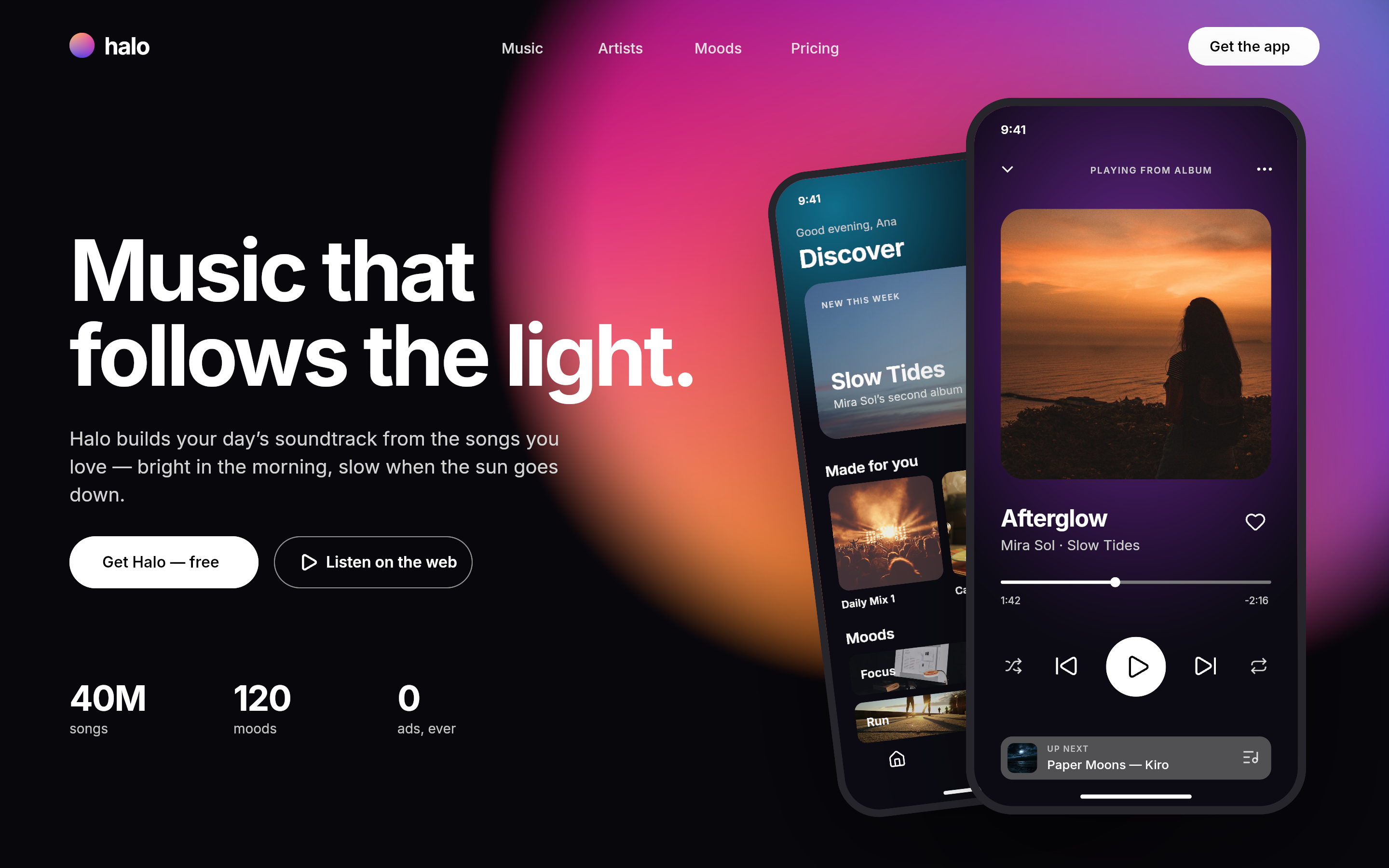
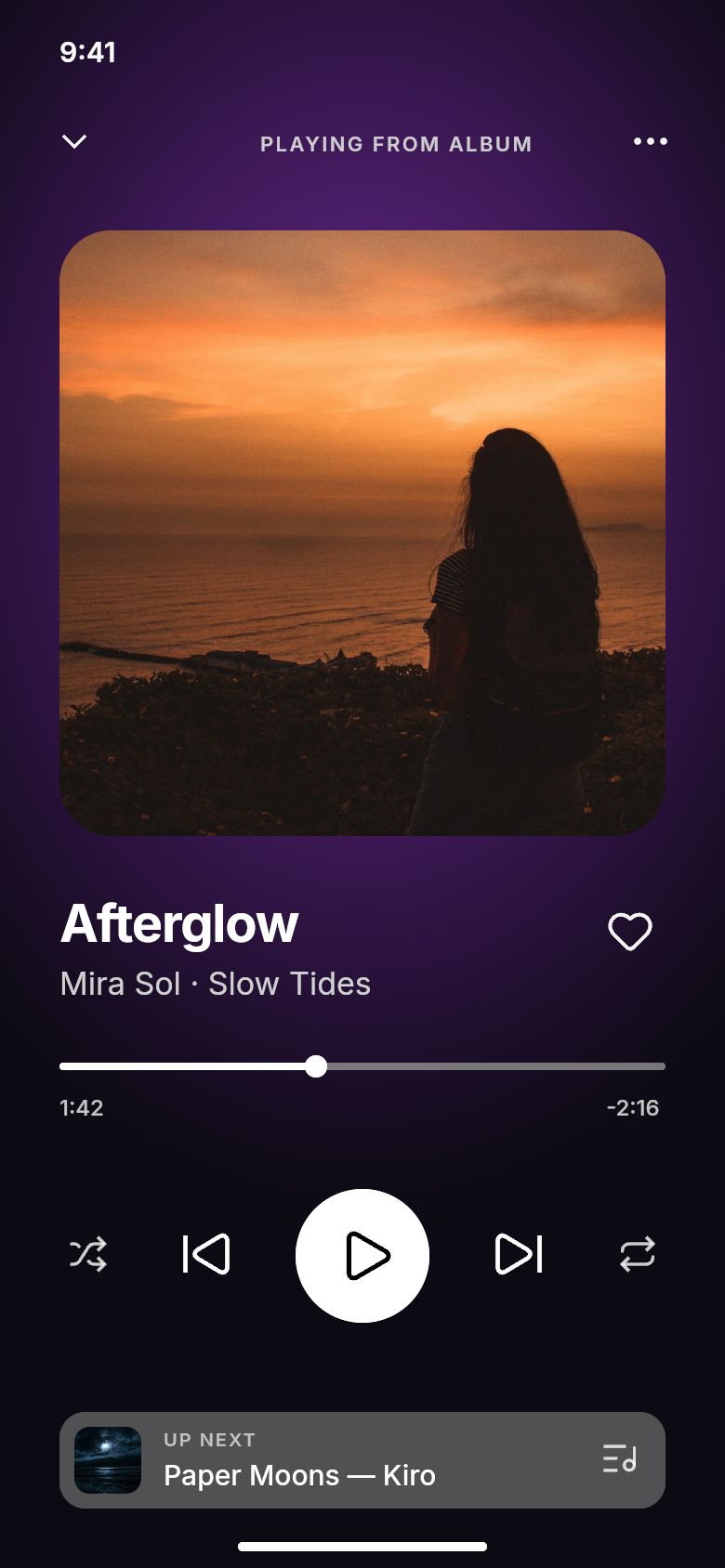
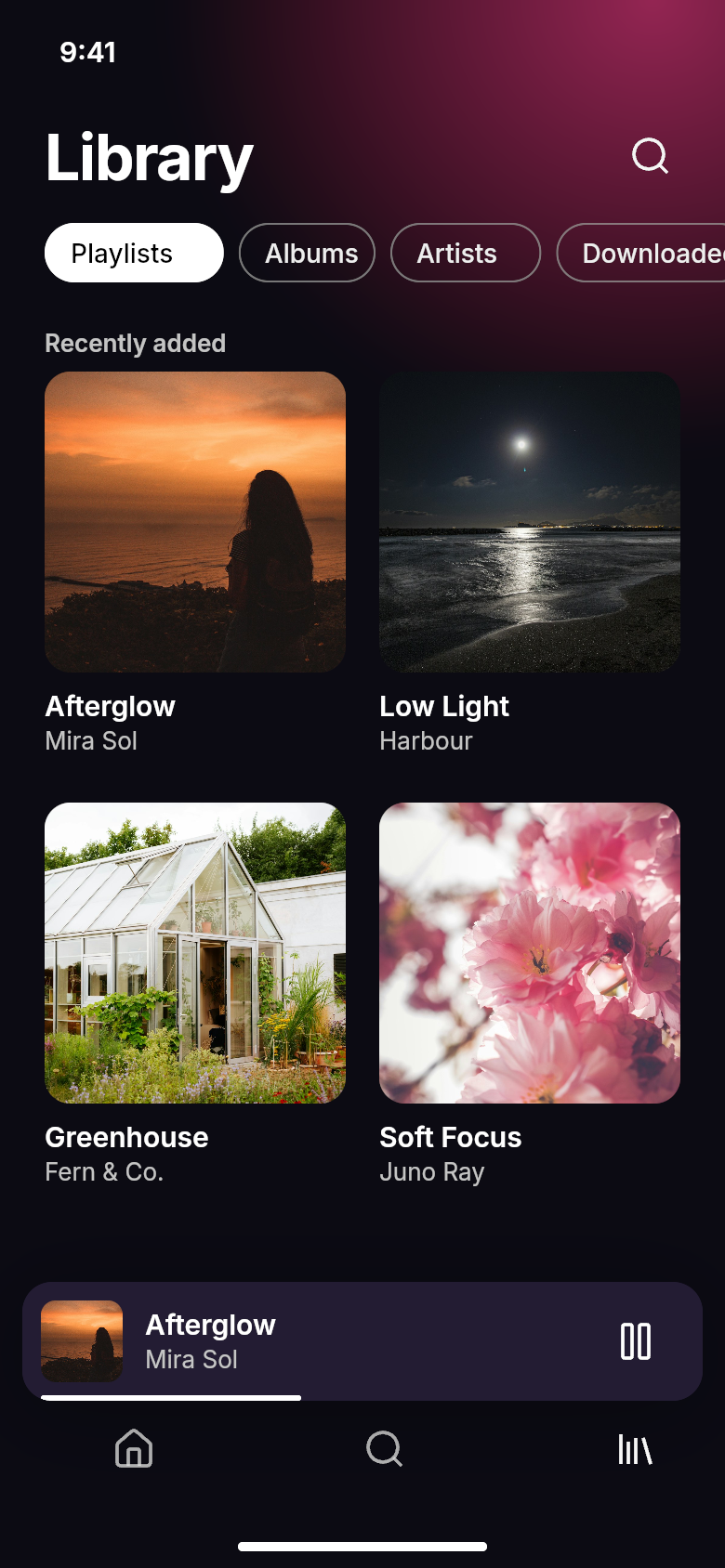
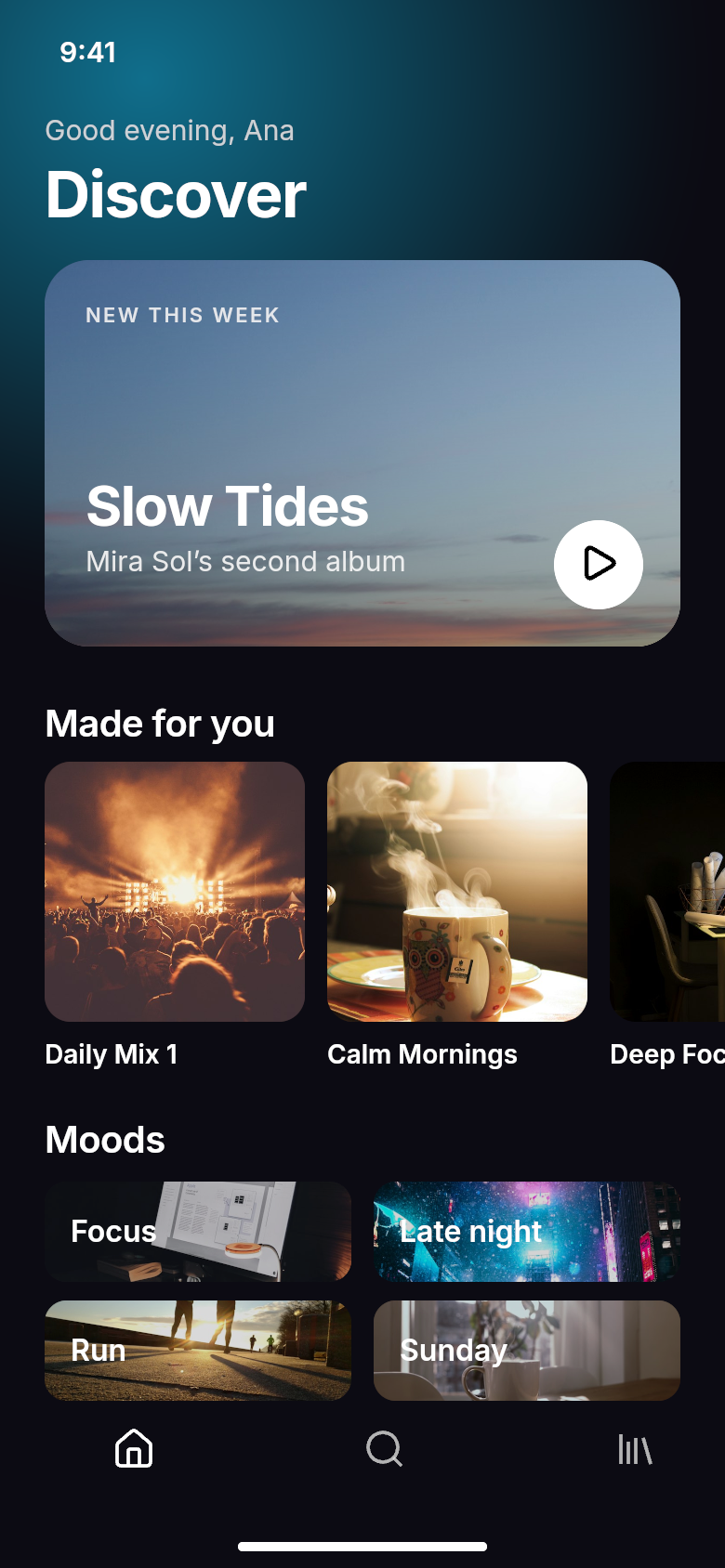
Halo, a music app — designed in Brash by an agent, over MCP.
Posts, stories and banners.
Ask your agent for a launch campaign, then refine every frame on the canvas. Halo’s post, story and header were drawn in Brash.

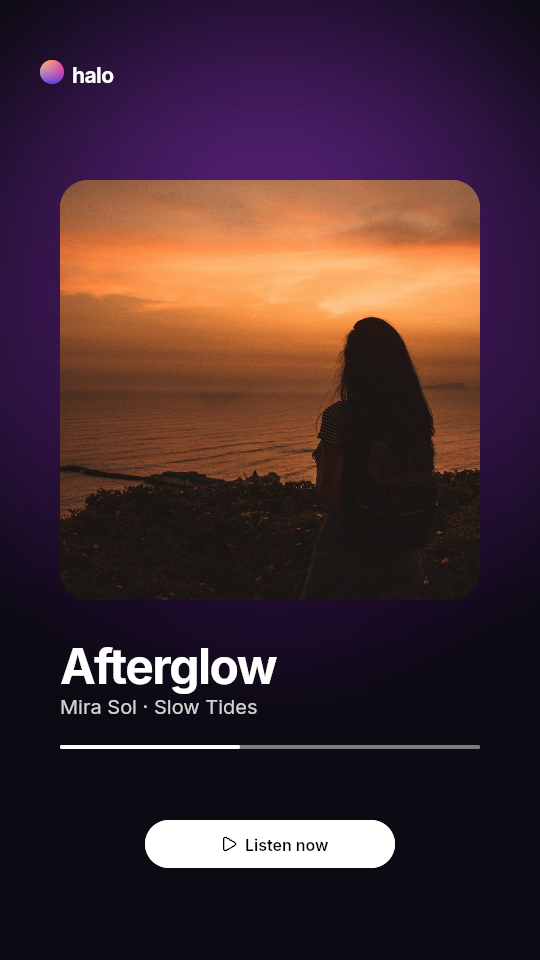
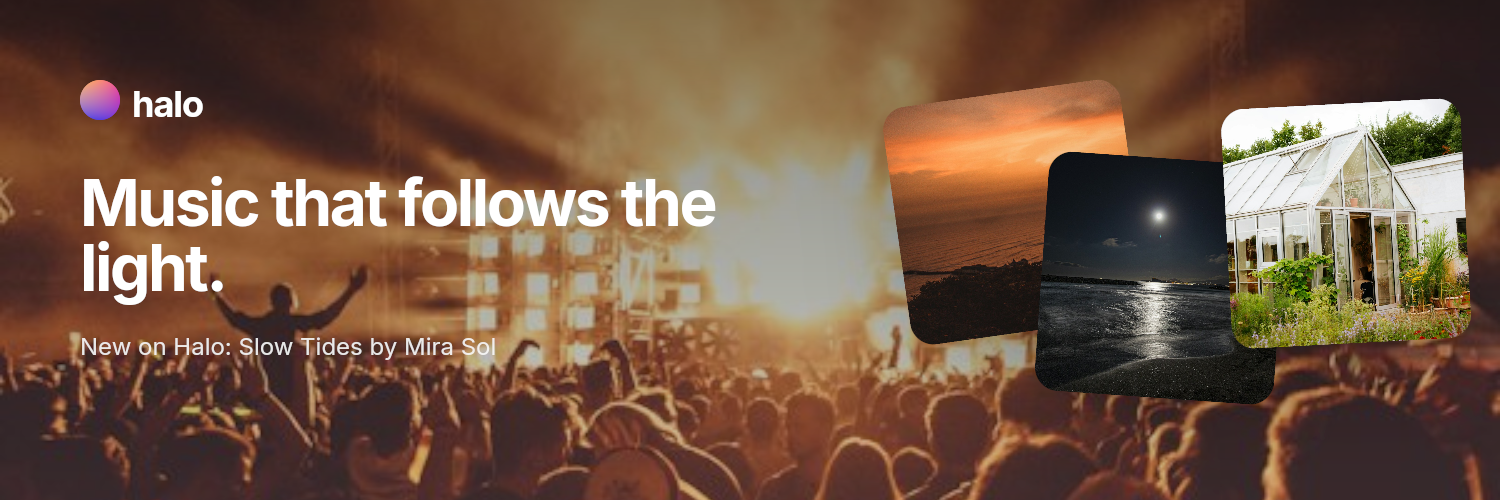
Post 1080 × 1080 · Story 1080 × 1920 · Header 1500 × 500
The design features you expect.
Auto layout
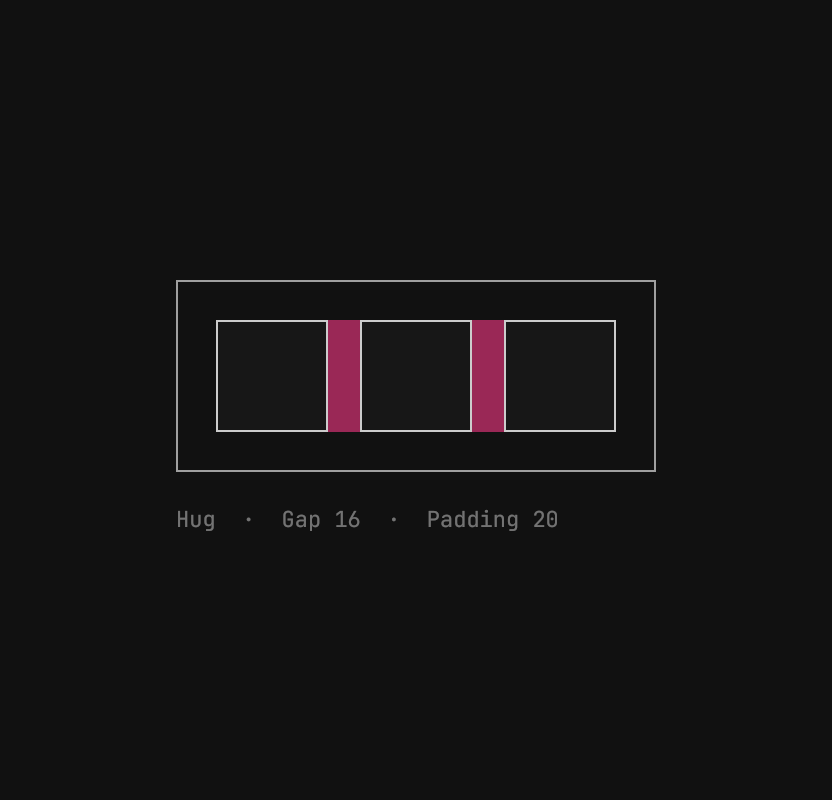
Hug, fill and fixed sizing, gaps, padding and wrap.
Components
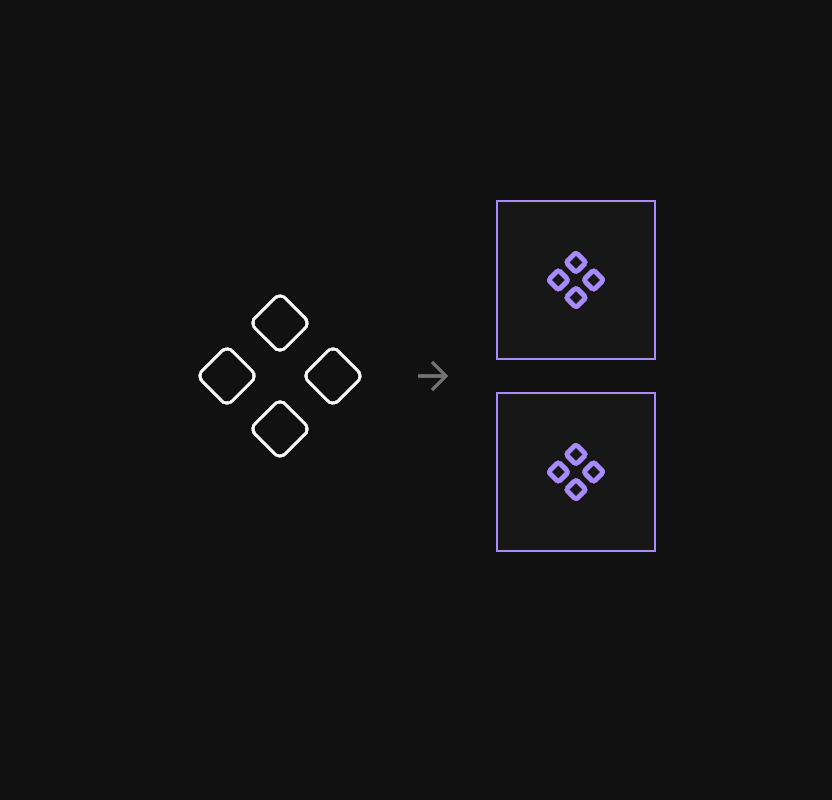
Instances keep their overrides through every edit to the main.
Gradients
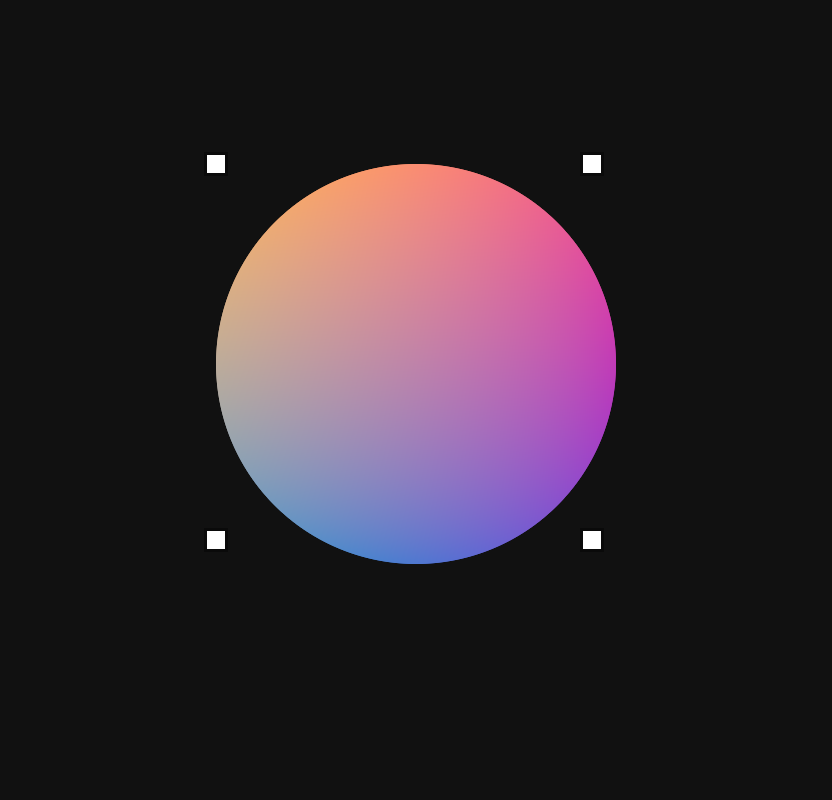
Linear, radial, angular and mesh, with image fills and blend modes.
Prototypes
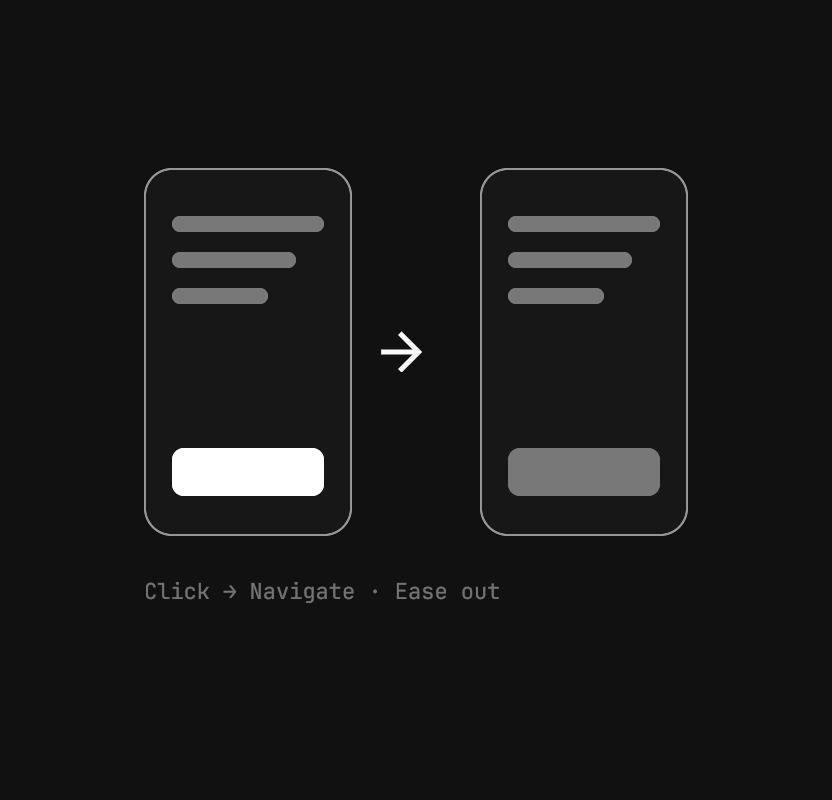
Click, hover, press or wait; navigate, open overlays, scroll to.
Effects
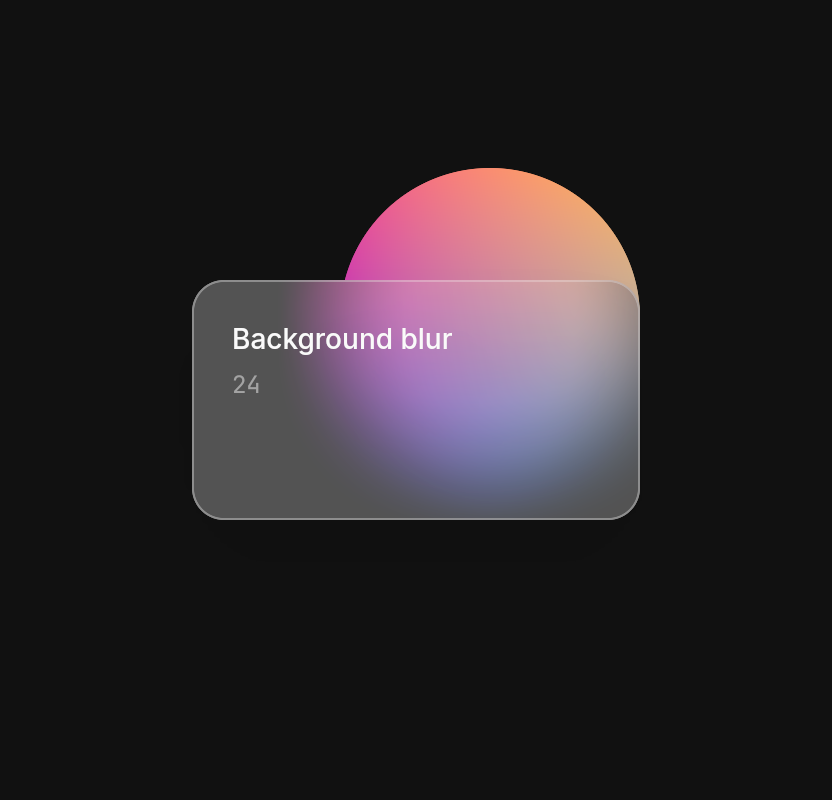
Drop and inner shadows, layer blur and background blur.
Pen and boolean
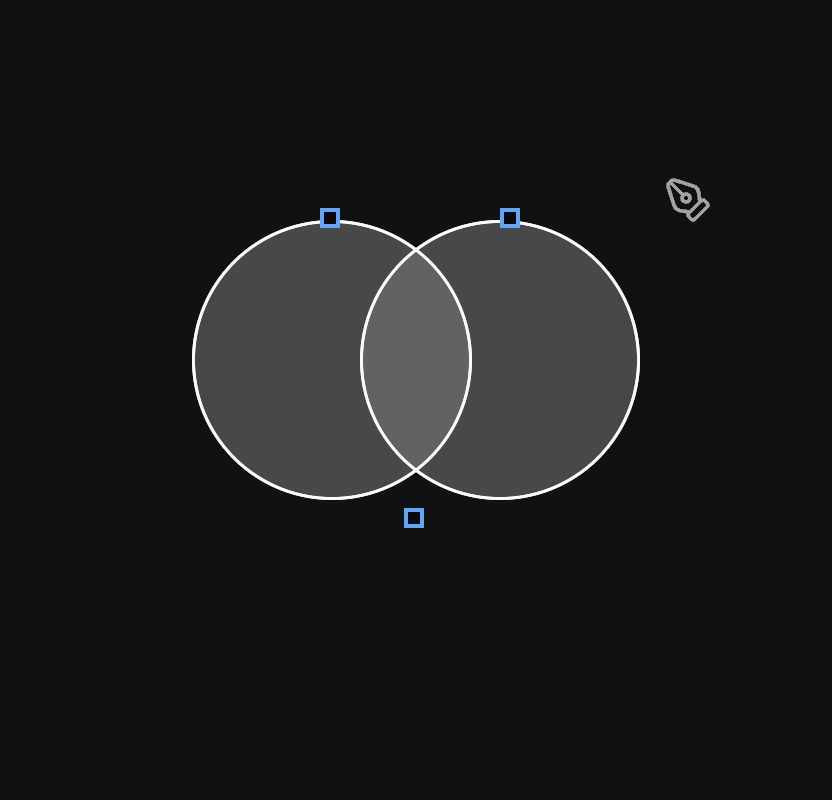
Draw paths; union, subtract, intersect and exclude them.
Styles and themes
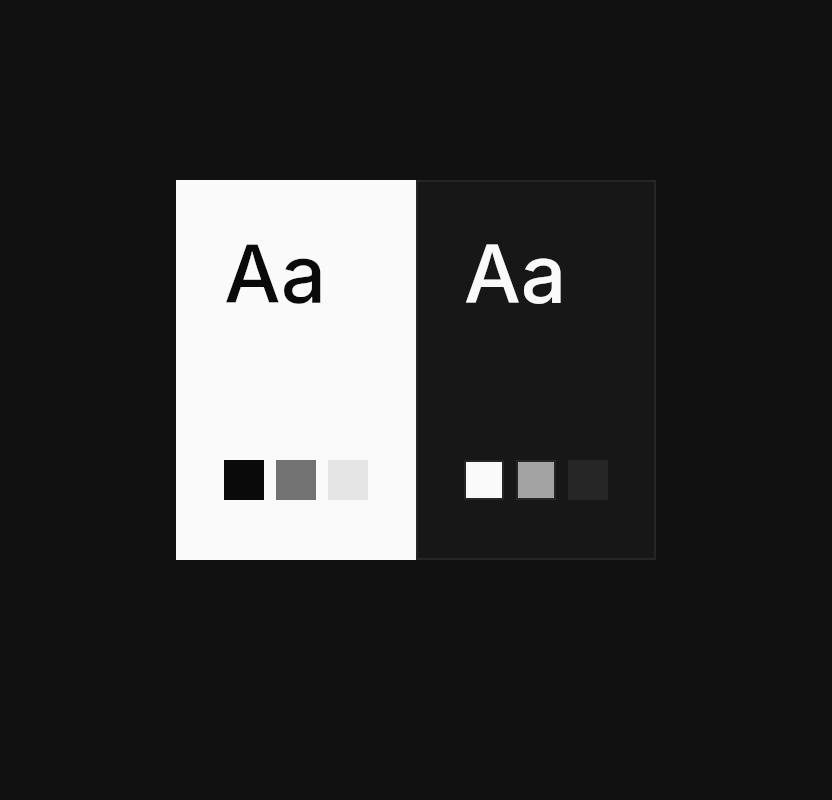
Colour, text and effect styles; switch a document light or dark.
Export
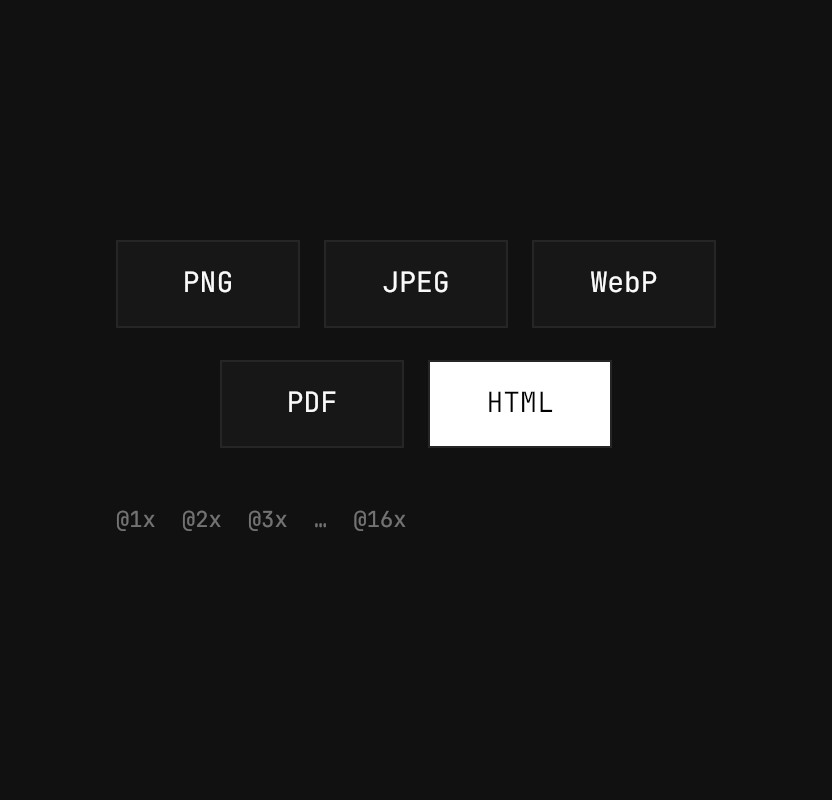
PNG, JPEG, WebP, PDF and HTML, at any scale.
Import
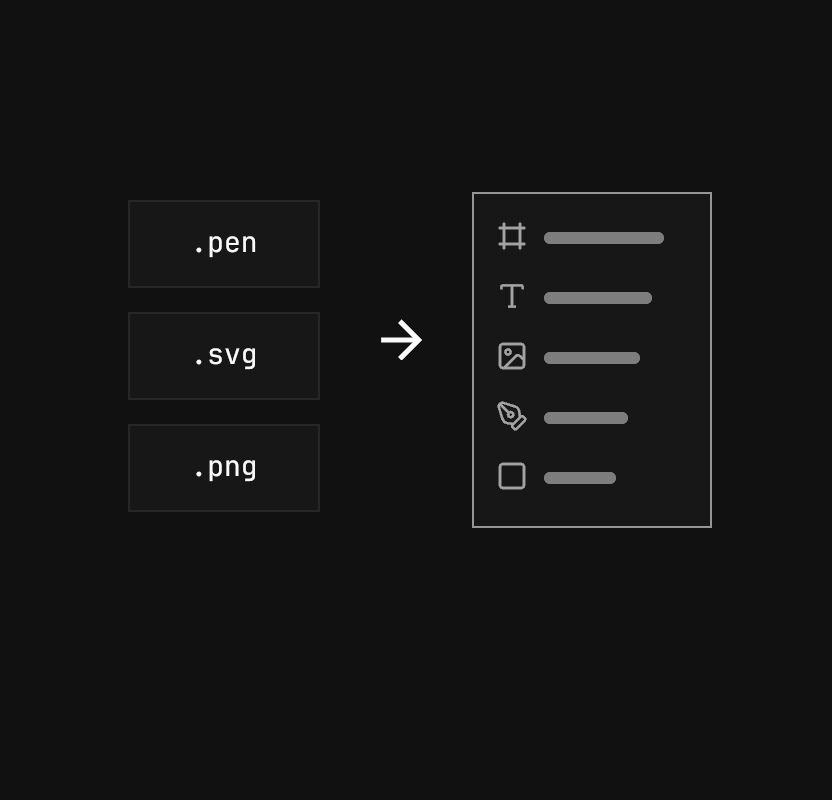
Bring in .pen, SVG and images as layers you can edit.
Native, not a browser tab.
Brash is written in Rust and draws straight to the GPU through Metal. No web canvas, no Electron — the editor stays fast on documents the size of a real product.
- 1.4 msmedian frame
- 1.7 ms99th-percentile frame
- 5,400layers in the test document
Your designs never leave your Mac.
Brash runs on your machine. Your agent talks to it locally, and a project is a folder of JSON you can diff, review and keep in git.
- macOSApple silicon · AvailableDownload
- WindowsComing soon
- LinuxComing soon

Design with your agents.
Free while in preview. macOS now — Windows and Linux soon.
Download for macOS